

eSIM basics
How much data do I need for my trip? A simple calculator

Most travellers buy far more data than they use. The reason is simple: we have no idea how much our phone uses, because at home it's all covered by Wi-Fi and an unlimited contract. Abroad, it suddenly matters.
Here is what the usual apps really use, and a calculator that turns your habits into a plan size.
What uses the most data?
The big difference is between apps that show text and maps, and apps that play video. Video is where the gigabytes go.
| What you do | About how much data |
|---|---|
| WhatsApp messages and photos | 20 to 50 MB a day |
| Google Maps or Apple Maps | 10 to 20 MB an hour |
| Browsing websites and email | 50 to 100 MB an hour |
| WhatsApp voice call | about 30 MB an hour |
| WhatsApp or FaceTime video call | 300 to 600 MB an hour |
| Instagram, TikTok, Facebook | 500 to 800 MB an hour |
| Spotify or Apple Music | 60 to 150 MB an hour |
| YouTube or Netflix in HD | 1.5 to 3 GB an hour |
So maps are almost free, and a whole day of messages costs less than ten minutes of TikTok.
Work out your data
Move the sliders to match a normal day of your trip. The calculator adds up your apps, takes off the time you spend on Wi-Fi, and suggests a plan size with a little headroom.
Work out your data
You'll use about 2.3 GB on mobile data.
A 3 GB plan covers it, with a little to spare.
Find a plan for your destinationTypical trips
If you'd rather skip the maths, these numbers fit most people.
| Trip | Data that usually covers it |
|---|---|
| City break of 3 to 4 days | 1 to 3 GB |
| One week, normal use | 3 to 5 GB |
| Two weeks, or a week with lots of social media | 10 GB |
| A month, or working on a laptop | 20 GB or more |
Five ways to use less data
- Download offline maps before you go, in Google Maps or Maps.me.
- Set Instagram and TikTok to data saver mode in their settings.
- Turn off automatic photo backup (iCloud or Google Photos) until you're on Wi-Fi.
- Download playlists and shows at the hotel instead of streaming on the go.
- Turn off app updates over mobile data.
What if I run out?
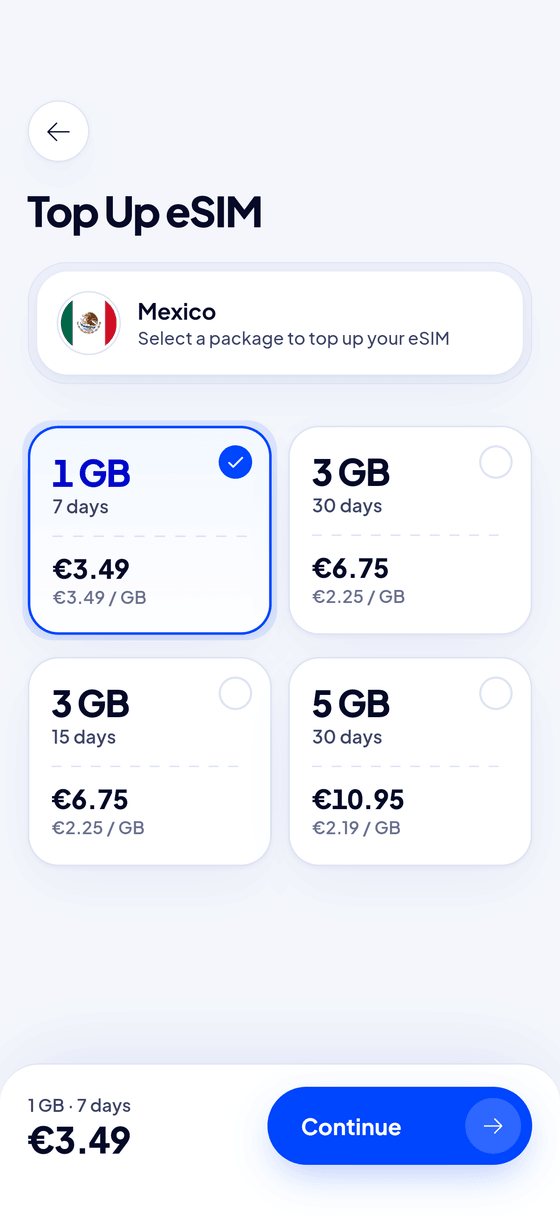
You don't need to guess perfectly. With Blue eSIM you can top up the same eSIM in the app in a few taps, so start with a plan that fits and add more only if you need it.
Frequently asked questions
Is 1 GB enough for a week?
For maps and WhatsApp only, yes, especially if your hotel has Wi-Fi. If you use Instagram or make video calls, take 3 to 5 GB.
Is 3 GB enough for two weeks?
For light use, yes. With daily social media and the odd video call, 5 to 10 GB is safer.
Why does my phone use more data abroad?
It doesn't, but at home Wi-Fi hides most of it. Background updates and photo backups happen on mobile data if you don't switch them off.