

eSIM basics
Airport and hotel Wi-Fi vs mobile data: which is safer for banking abroad?
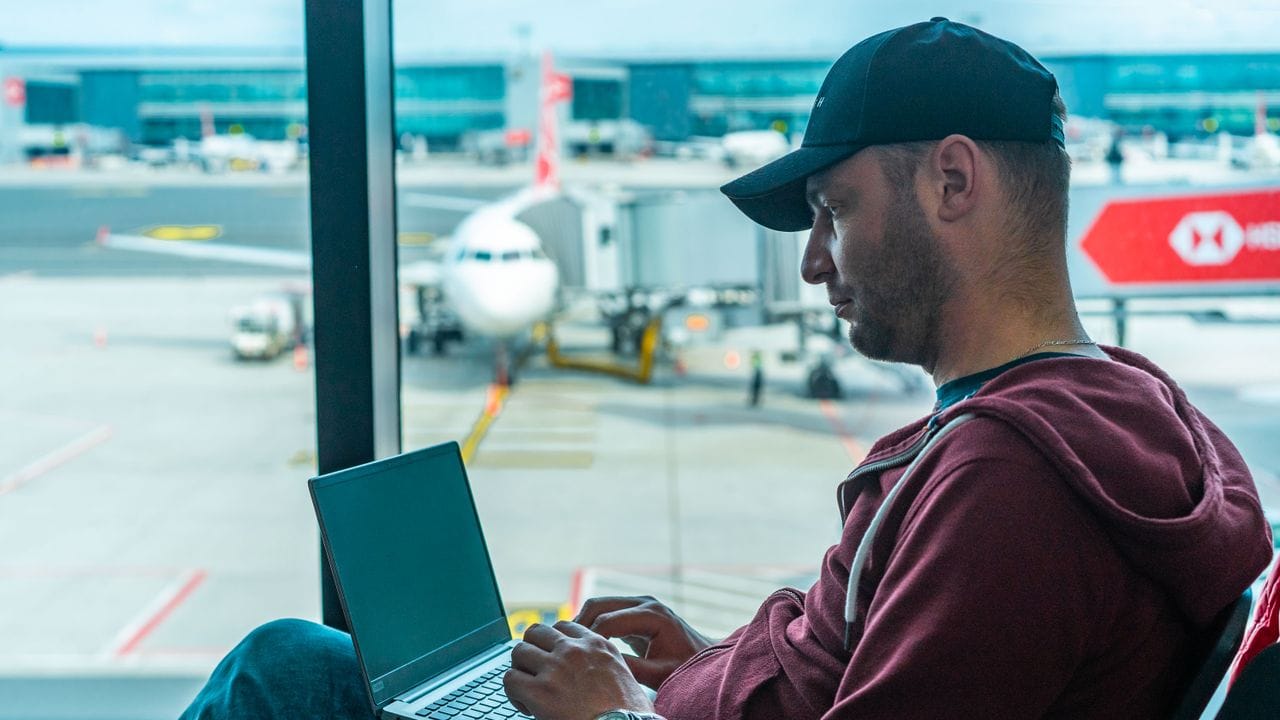
Free Wi-Fi at the airport, the café and the hotel is convenient. For checking the news, it's fine. For your bank, your email and anything with a password, mobile data is the safer choice. Here is why, without the scare stories.
What's the risk with public Wi-Fi?
Most apps and websites now encrypt their traffic, so someone on the same network can't simply read your bank login. The real risks are more practical.
The first is a fake network. Anyone can set up a hotspot called "Airport_Free_WiFi" or "Hotel Guest". If you join theirs, they control where your connection goes and can show you fake login pages.
The second is the login page. Many public networks ask for your email, phone number or social media login before you can browse. That data goes somewhere, and you rarely know where.
The third is an open network with no password. Everyone on it can see the devices around them, and older apps without encryption may leak data.
Why mobile data is safer
When you use mobile data, your phone talks straight to a mobile network, with strong encryption between your phone and the mast. There's no fake hotspot to fall for and no login page asking for your details. Nobody at the next table shares your connection.
That is a good reason to keep a travel eSIM on during your trip, even when Wi-Fi is around. Use the Wi-Fi for videos and big downloads, and switch to mobile data for banking, payments and passwords.
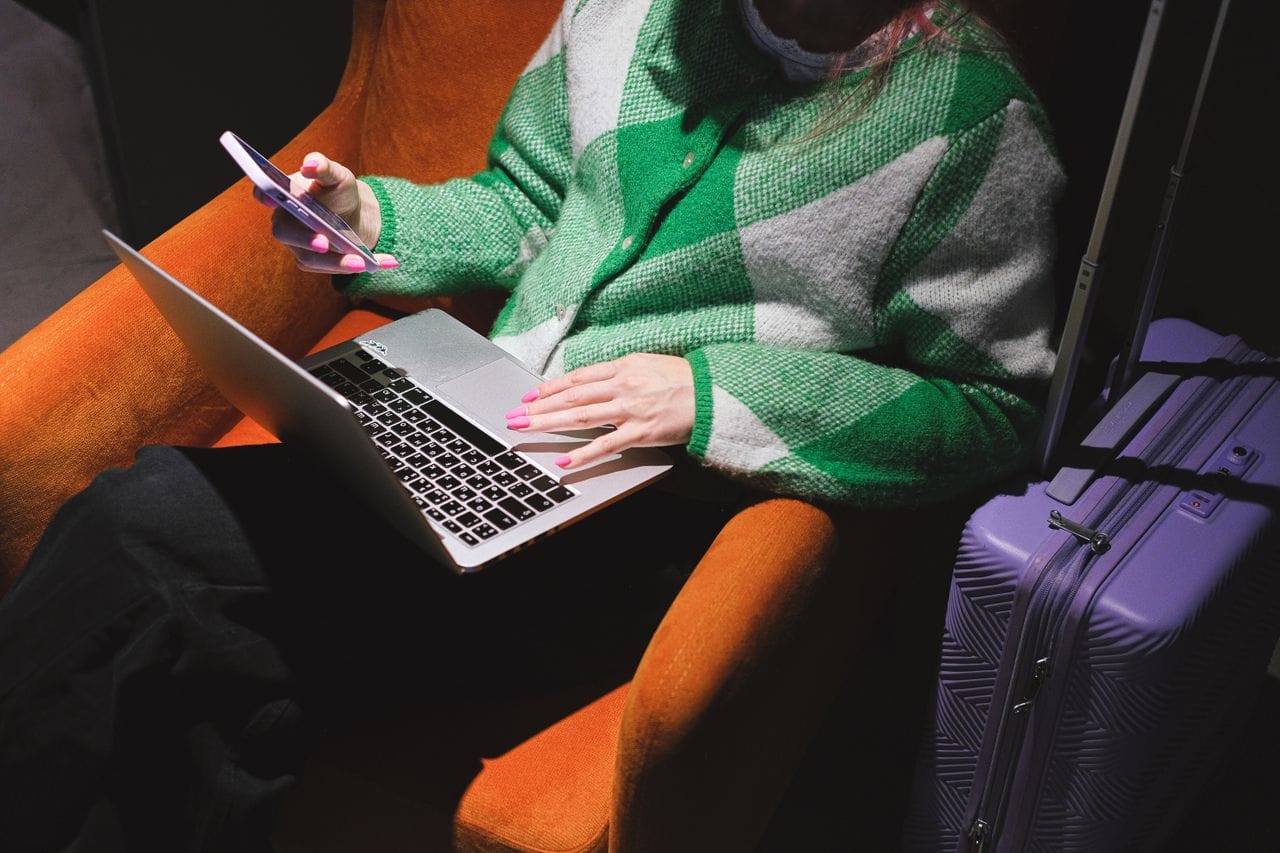
Simple habits that keep you safe
- Turn off auto-join for public networks, so your phone doesn't connect without asking.
- Ask staff for the exact network name before you join hotel or café Wi-Fi.
- Never type a password on a page that opened by itself after joining a network.
- Use your bank's app rather than its website on public Wi-Fi.
- Keep your phone's software up to date before you travel.
- Turn off Wi-Fi when you open your banking app, so it uses mobile data.
Frequently asked questions
Is hotel Wi-Fi safe?
It's safer than an open café network if it has a password, but everyone in the hotel shares it. For banking, mobile data is still the better choice.
Do I need a VPN?
A VPN adds protection on public Wi-Fi. On mobile data you're already on an encrypted connection, so most people don't need one there.
Does my travel eSIM use more data if I avoid Wi-Fi?
Only if you use it for heavy things. Banking and payments use very little data. Use Wi-Fi for video and big downloads.