

Guide
eSIM for Umrah and Hajj: staying connected in Makkah and Madinah
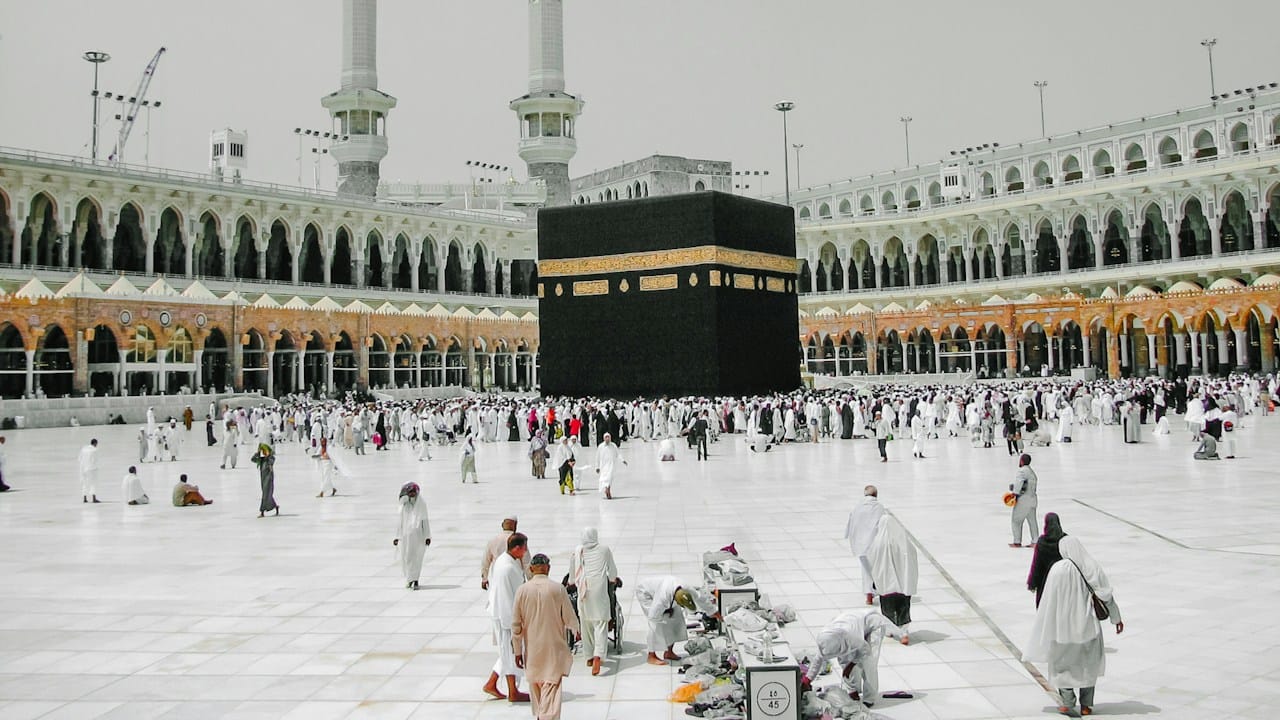
On Umrah or Hajj, your phone does more work than on a normal trip. You need the Nusuk app, maps between the hotel and the Haram, and a way to reach your group when you get separated in the crowd. An eSIM gets you online the moment you land in Jeddah or Madinah, without queueing for a local SIM card.
Why not buy a SIM card at the airport?
You can, but buying a Saudi SIM card means a passport check and a fingerprint registration at the counter. After a long flight, with family waiting and your luggage in hand, that queue is the last thing you want. An eSIM is installed at home before you travel, and it starts working when your phone first connects in Saudi Arabia.
Which network does it use?
Our Saudi Arabia plan runs on STC, the country's largest operator, with 5G where available. STC has strong coverage in Makkah, Madinah, Jeddah and on the routes between them.
Be realistic about the crowds. Around the Haram at prayer times, and during Hajj, hundreds of thousands of phones share the same towers. Every network slows down then. Messages usually get through, but video calls may not. Plan important calls for quieter hours.
How much data do you need?
| Trip | Plan we'd pick |
|---|---|
| Umrah, about a week | 3 GB for 15 days |
| Umrah, two weeks with video calls home | 5 GB for 30 days |
| Hajj, or sharing with the family | 10 GB for 30 days |
When we last updated this guide (October 2026), 3 GB for 15 days costs €6.45 and 10 GB for 30 days costs €19.95. The live prices are at the end of this article.
Video calls are what use the most data. A 30-minute video call uses roughly 250 to 500 MB. Voice calls on WhatsApp use far less.
Sharing data with your family or group
Hotspot is allowed on our plans, with no daily limit. One person can buy a bigger plan and share it with a parent's phone or a spouse who doesn't have an eSIM-capable phone. Keep the phones close, because a hotspot only reaches a few metres, and in the Haram you may be separated.
For families who will split up during the day, it is better for each person to have their own small plan.
Tips for the trip
- Install the eSIM at home, on Wi-Fi, a few days before you fly.
- Download the Nusuk app and log in before you leave, while you have good internet.
- Download offline maps of Makkah and Madinah in Google Maps or Maps.me.
- Share your live location with your group on WhatsApp, so you can find each other.
- Carry a power bank. Maps and location sharing drain the battery quickly.
Frequently asked questions
Does the eSIM give me a Saudi phone number?
No. The plan is data only. You can call and message over WhatsApp and other apps, and your home number stays on your home SIM.
Will my phone work with an eSIM?
It works on phones that support eSIM and are not locked to one carrier, including iPhone XS and newer and most recent Samsung Galaxy and Google Pixel phones. Check the list of compatible phones.
When does the plan start counting days?
When the eSIM first connects to a network in Saudi Arabia, not when you install it.