

eSIM basics
What is an eSIM, and does my phone support it?
An eSIM is a SIM card that lives inside your phone as software. Instead of putting a plastic card in a tray, you scan a QR code or tap a link, and the phone downloads the mobile plan. Nothing to post, no shop to find, and no tiny tray to lose.
For travel, that changes a lot. You can buy a data plan for your destination at home, install it in two minutes, and be online when the plane lands.
How does an eSIM work?
Your phone has a small chip that can store several mobile plans. Each plan is a profile, and an eSIM provider sends you one as a QR code or an install link. Once it is installed, the profile shows up in your settings next to your normal SIM, like a second SIM card.
You then choose which line does what. A common setup for travel: your home SIM for calls and texts, the travel eSIM for mobile data.
Does my phone support eSIM?
Most phones from the last few years do. As a rough guide:
- iPhone XS, XR and every newer iPhone
- Samsung Galaxy S20 and newer, and recent Z Fold and Z Flip models
- Google Pixel 3 and newer
- many recent phones from Motorola, Oppo, Xiaomi and others
There are exceptions. iPhones sold in mainland China have two physical SIM slots instead of an eSIM. Some budget models skip eSIM even when the flagship has it. Our compatible phones list has the details.
The quickest check is to dial *#06# on your phone. If you see a long number labelled EID, your phone supports eSIM.
Does my phone need to be unlocked?
Yes. If your phone came from a carrier on a contract, it may be locked to that carrier's network. A locked phone can install an eSIM but won't connect with it. Ask your carrier to unlock it before you travel. In many countries they have to do it once the contract is paid off.
Will I lose my own number?
No. A travel eSIM sits next to your normal SIM. Your number stays on your home SIM, and WhatsApp stays on your number. You only change which line uses mobile data.
If you don't want to pay roaming on your home SIM, turn off data roaming for it and keep it on for calls and texts. Or switch the home line off completely and use WhatsApp for everything.
How do I install one?
- Buy a plan for your destination.
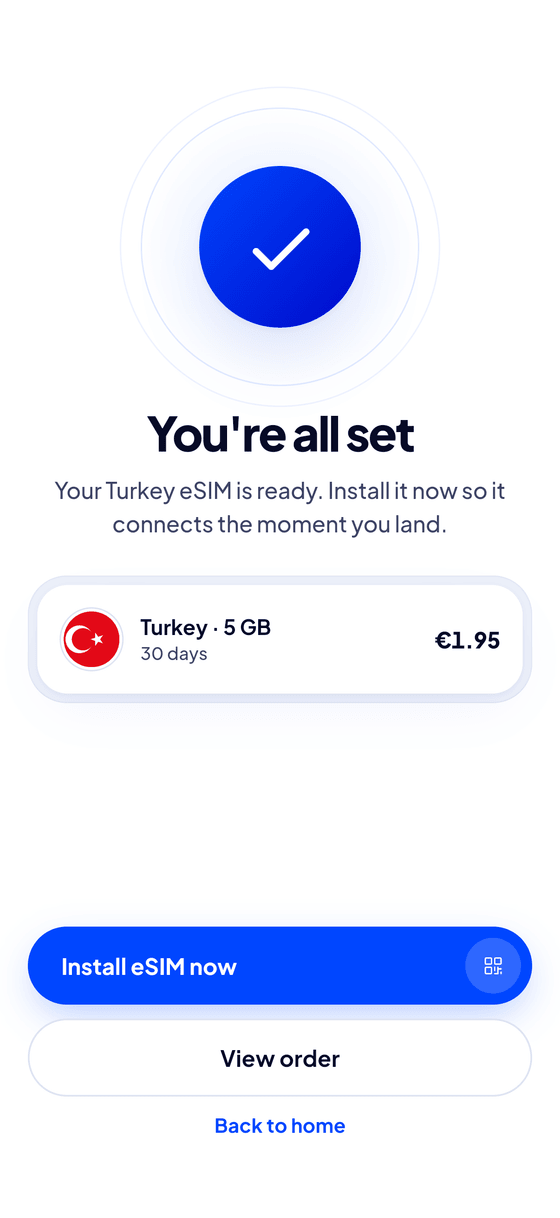
- On a recent iPhone, tap the install button in the app. On other phones, scan the QR code from your email or the app.
- Follow the steps in your phone's settings. It takes about two minutes.
- When you arrive, choose the eSIM for mobile data and turn on data roaming for it.
Our install guide shows every step for iPhone and Android, with pictures.
Frequently asked questions
Can I use the same eSIM on another phone later?
Usually not. An eSIM profile installs once. If you delete it, you need a new one, so don't delete it until your trip is over.
Do I get a phone number with a travel eSIM?
Most travel eSIMs, ours included, are data only. Calls and messages work through apps like WhatsApp and FaceTime.
Can I share the eSIM's data with my laptop?
On our plans, yes. Turn on your phone's personal hotspot and connect the laptop. It uses the plan's data.