

eSIM basics
How to avoid a roaming bill: the 3 settings to check before you fly
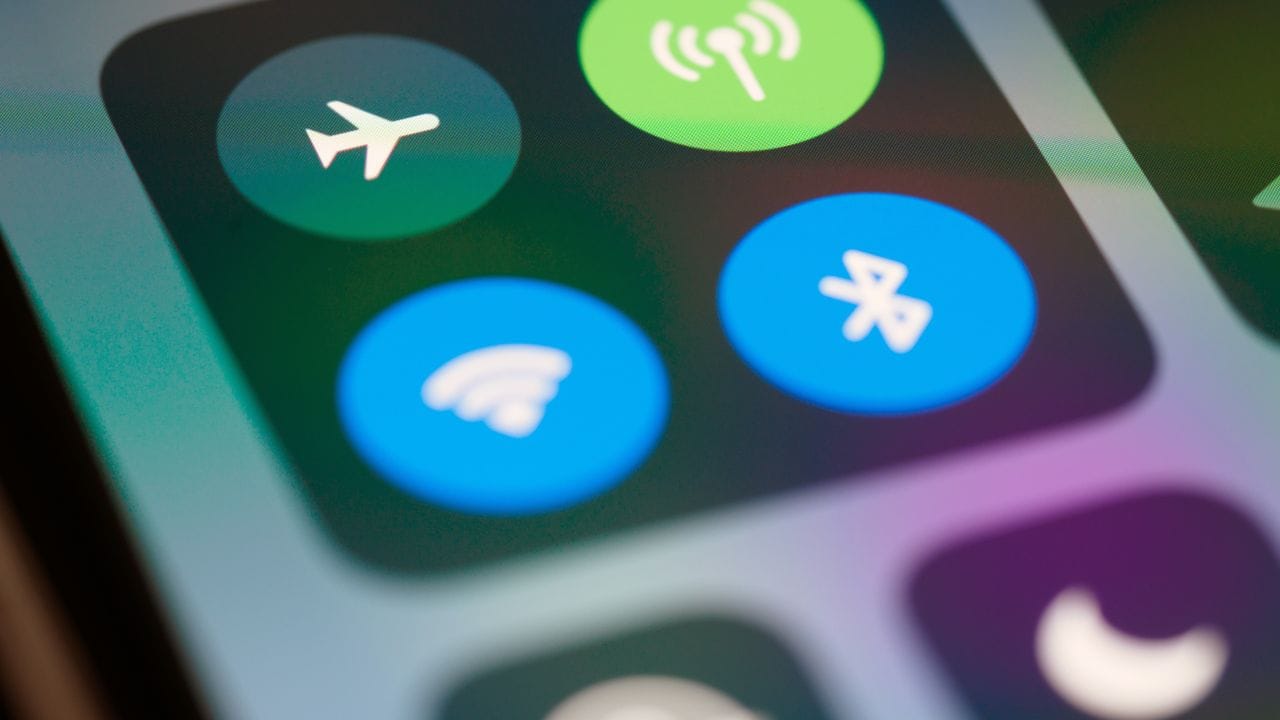
Roaming bills don't come from a travel eSIM. They come from your home SIM, quietly using data in the background while you are abroad. A few apps syncing photos on the first evening can cost more than the whole trip's eSIM.
Check these three settings before you leave, and it can't happen.
1. Turn off data roaming on your home SIM
This is the important one. With data roaming off, your home SIM can't use mobile data abroad, so it can't run up a bill.
On iPhone, go to Settings > Mobile Service (or Cellular), tap your home line, and turn off Data Roaming.
On Android, go to Settings > Network & internet > SIMs (or Connections on Samsung), tap your home SIM, and turn off Roaming.
Your home SIM still works for calls and texts. It just can't use data.
2. Use the travel eSIM for mobile data
Next, tell the phone to use the travel eSIM for internet.
On iPhone, go to Settings > Mobile Service > Mobile Data and choose the travel eSIM. Then turn off Allow Mobile Data Switching. Otherwise the phone may switch to your home line when the signal drops, which is exactly what you want to avoid.
On Android, set the travel eSIM as the SIM for mobile data on the SIMs page, and turn off any automatic data switching.
3. Turn on data roaming for the travel eSIM
A travel eSIM always connects as a visitor, so it needs data roaming switched on. This costs nothing extra: you've already paid for the plan.
It's the same switch as in step 1, but on the eSIM line instead of your home line.
What about calls on my home number?
Calls are separate from data. If someone rings your home number while you are abroad, answering may cost you, depending on your home carrier and where you are. Inside the EU, EU SIM cards usually roam at home prices. Outside the EU, for example in Albania, Turkey or Switzerland, prices can be much higher.
The simple answer: use WhatsApp, FaceTime or Viber for calls. They run over your eSIM data and cost nothing extra. Here's how WhatsApp keeps your number.
A quick checklist before you fly
- Install the travel eSIM at home, on Wi-Fi
- Turn off data roaming on your home SIM
- Choose the travel eSIM for mobile data
- Turn on data roaming on the travel eSIM
- Ask family to call you on WhatsApp
Frequently asked questions
Can I just put my phone in flight mode?
Flight mode stops all charges, but it also stops your travel eSIM. It's better to switch off data roaming on your home SIM and keep the eSIM on.
Will I still get texts on my home number?
Yes, if the home SIM stays switched on. Texts don't use data. Some carriers charge for receiving texts abroad, so check with yours.
Does the travel eSIM have any roaming charges?
No. You pay for the plan once, and that's it. If you need more data, you top up in the app.